



Your cart is empty
Structural BIM Software
ideCAD Structural is integrated structural BIM software for structural engineers, connecting structural modeling, analytical modeling, structural analysis, code-based design, detailing, and documentation in one coordinated BIM environment.
Design reinforced-concrete and steel buildings while keeping the physical model, analytical model, analysis results, structural design, detailing, drawings, and schedules connected throughout the engineering workflow.
BIM for Structural Engineering
BIM Software in Structural Engineering Integrates Structural Engineering, Structural Analysis, Structural Design, Structural Detailing, Fabrication, and Documentation in the Architecture, Engineering, Construction, and Operations (AEC) Industry.
One Integrated BIM Model
Integrated Bim Modelling Includes; Architectural Modeling, Structural Steel Building Modeling, Steel Connection Modeling, Concrete Building Structures Modeling, and Industrial Building Structures Modeling. One Integrated Bim Model Does It All
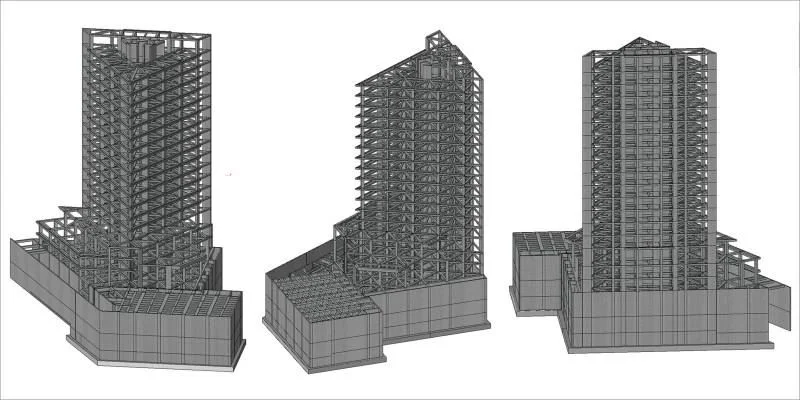
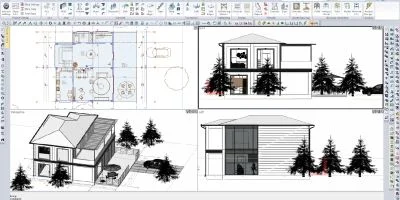
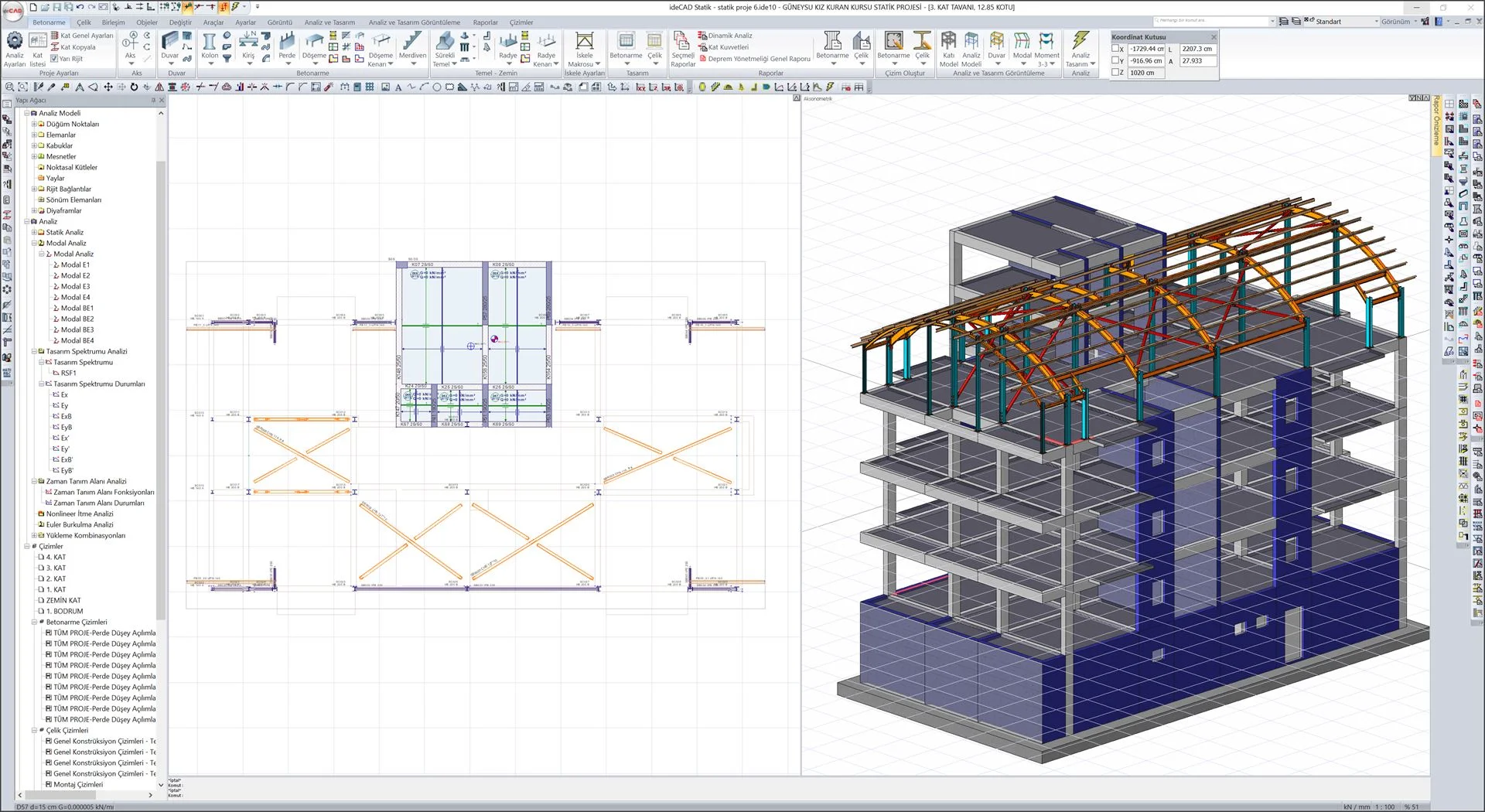
Structural BIM Workflow: From Model to Analysis, Design, and Documentation
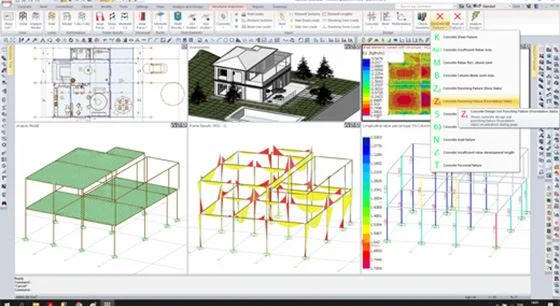
ideCAD integrates structural BIM modeling, analytical modeling, structural analysis, code-based design, detailing, and documentation in one coordinated engineering workflow. The physical structural model and its associated analytical model remain connected as the project develops, allowing structural engineers to move from modeling into analysis, design, detailing, and documentation without rebuilding the project in separate environments.
This creates a direct BIM-to-structural-analysis workflow and carries structural information forward into code-based design, drawings, schedules, and construction documentation.
1 — Model
Create the physical structural BIM model for reinforced-concrete, steel, and composite building structures. Columns, beams, slabs, walls, foundations, structural steel members, and connections define the building geometry and structural information used throughout the engineering workflow.
2 — Analytical Model
As the physical model is created and modified, ideCAD automatically generates and updates the associated structural analytical model. This connects the physical building model directly with the analytical representation required for structural analysis.
3 — Analyze
Perform structural analysis using the analytical model within the same structural BIM environment. Model geometry and structural information remain connected to the analysis workflow, reducing the need to recreate the building in a separate analysis model.
4 — Design
Use structural analysis results for code-based reinforced-concrete, structural steel, composite, and steel connection design. Engineering decisions move from analysis into member and connection design within the coordinated structural workflow.
5 — Detail & Document
Carry structural design information into concrete and steel detailing, reinforcement drawings, steel and connection details, schedules, sections, reports, and construction documentation. This keeps engineering results connected with the drawings and documents used to communicate the structural design.
Structural BIM for Structures
Structural BIM helps engineers deliver better coordinated, optimized structural designs and construction drawings faster.
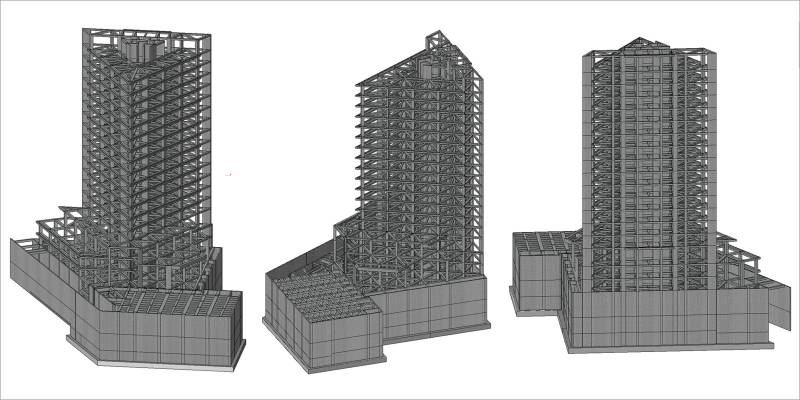
Concrete Structures
Integrated BIM Workflows in Concrete Structures
Structures with rigid, semi-rigid, and without rigid diaphragm analysis can be done. High-rise reinforced concrete structures, industrial structures, tunnel form systems, and ribbed and waffle systems with A2 and A3 irregularities can be analyzed.
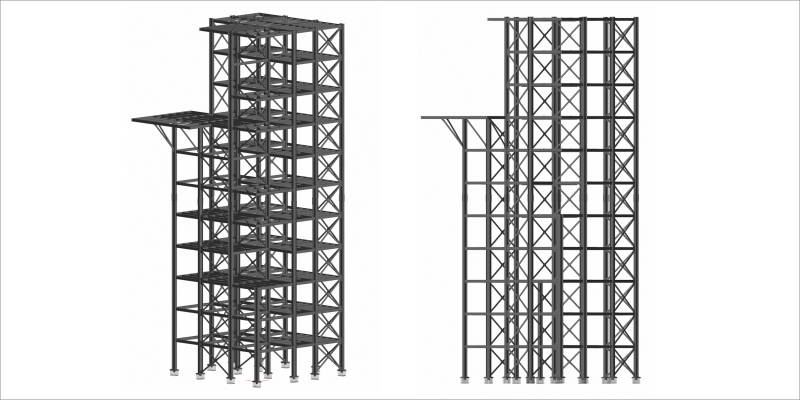
Steel Structures
Integrated BIM Workflows in Steel Structures
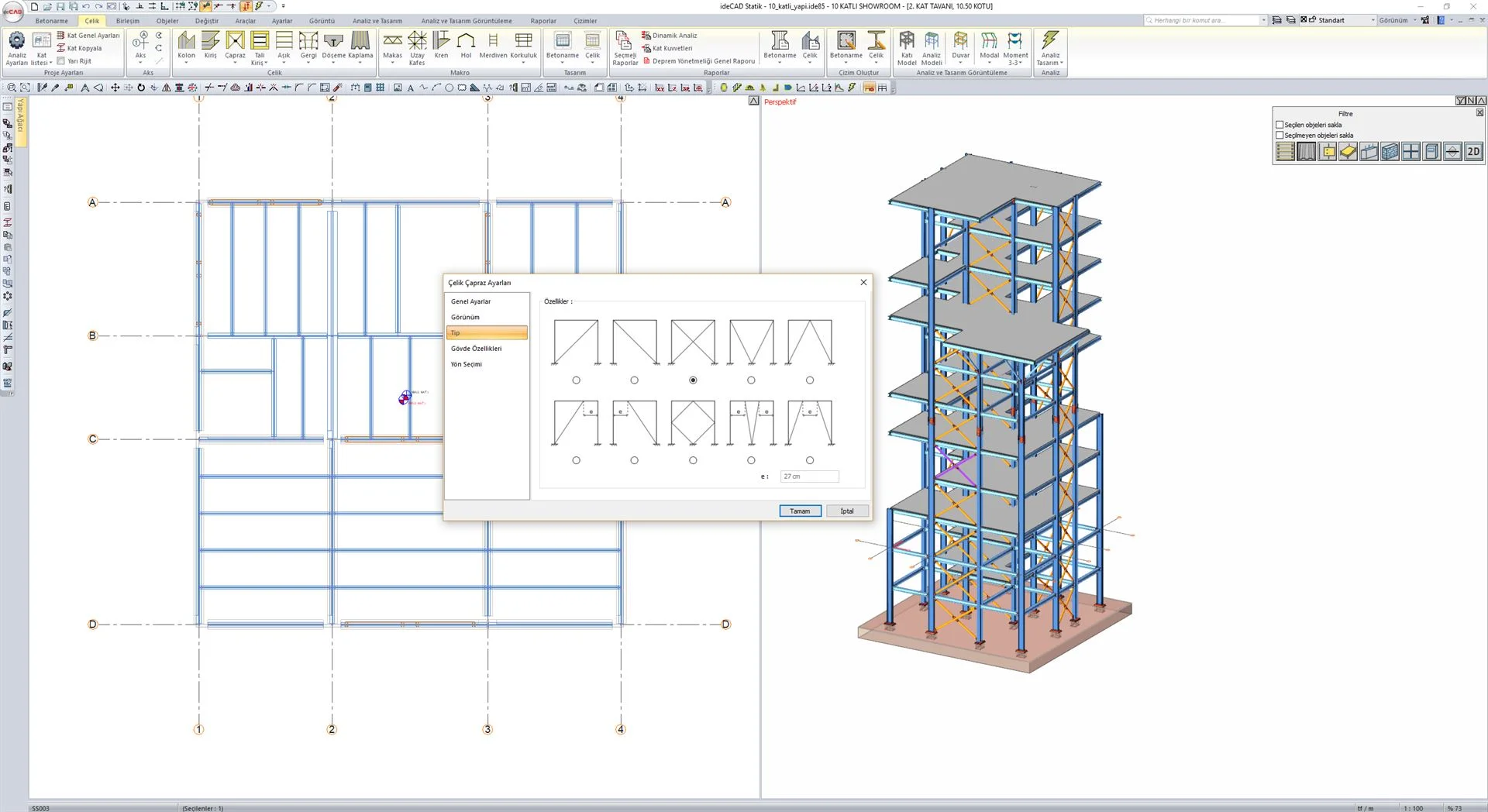
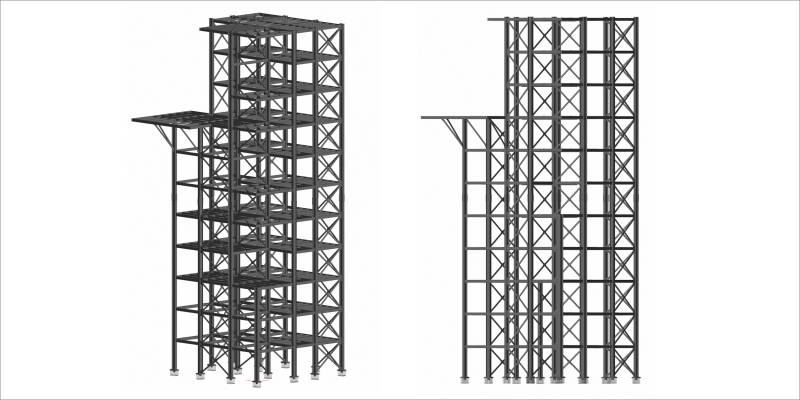
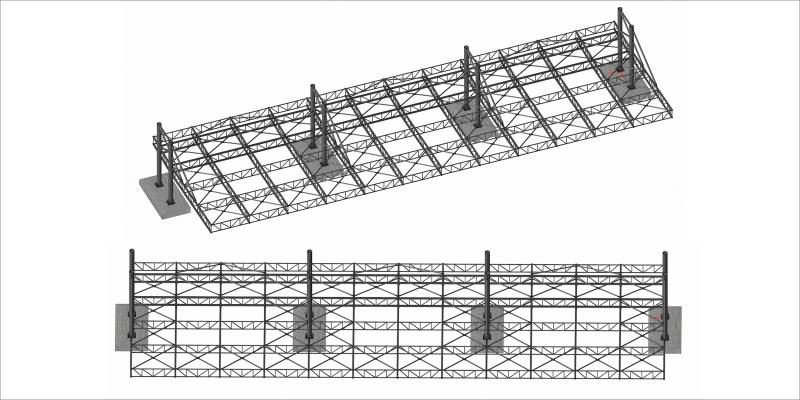
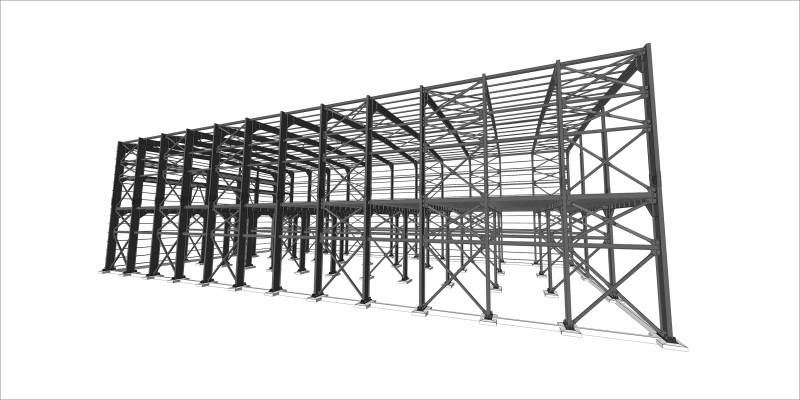
Highrise buildings, industrial buildings (including multiple halls, mezzanine floors, crane systems, etc.), canopy structures, sports facilities, stadiums, pedestrian overpass structures, and many more can be analyzed.
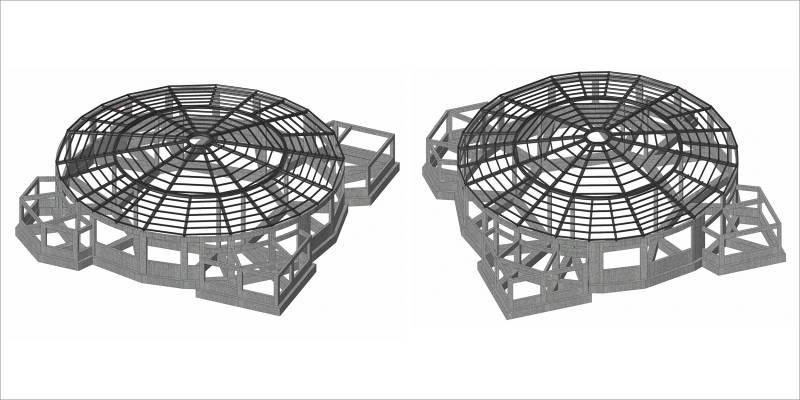
Composite Structures
Integrated BIM Workflows in Composite Structures
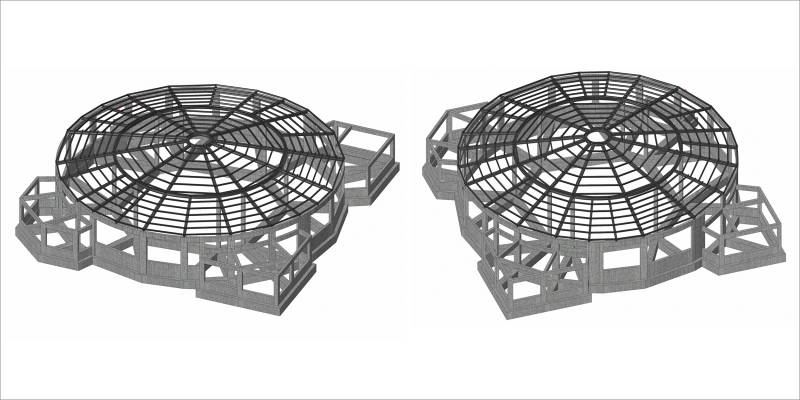
Structures with concrete shear wall cores and steel frames, steel roof structures, reinforced concrete structures with steel-framed upper stories, and steel-concrete composite beams can be analyzed.
Integrated Building Design
Integrated BIM Workflows for Building Design
Walls, floors, roofs, ceilings, columns, doors, windows, rooms and areas, Site modeling, Stairs and ramps, Railings, Structural walls, floor slab, Structural foundation wall and Isolated, Structural columns, beams, and braces, Slanted columns, Trusses, Steel connections, Reinforcement, rebar modeling
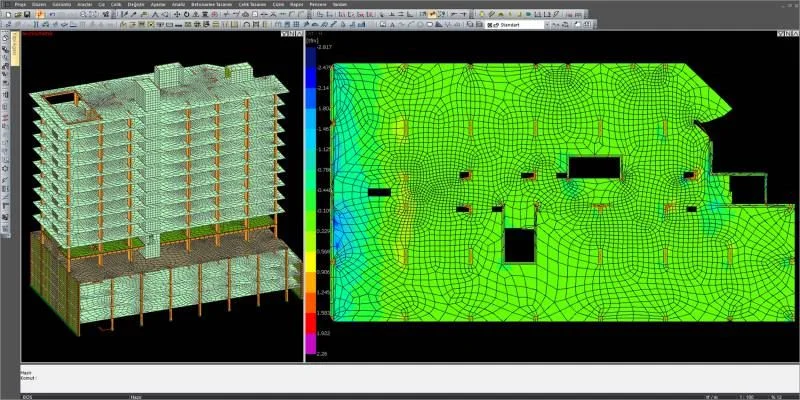
Integrated Architecture
ideCAD Structural automatically generates structural load assignment from your Architectural walls model for beams and slabs.
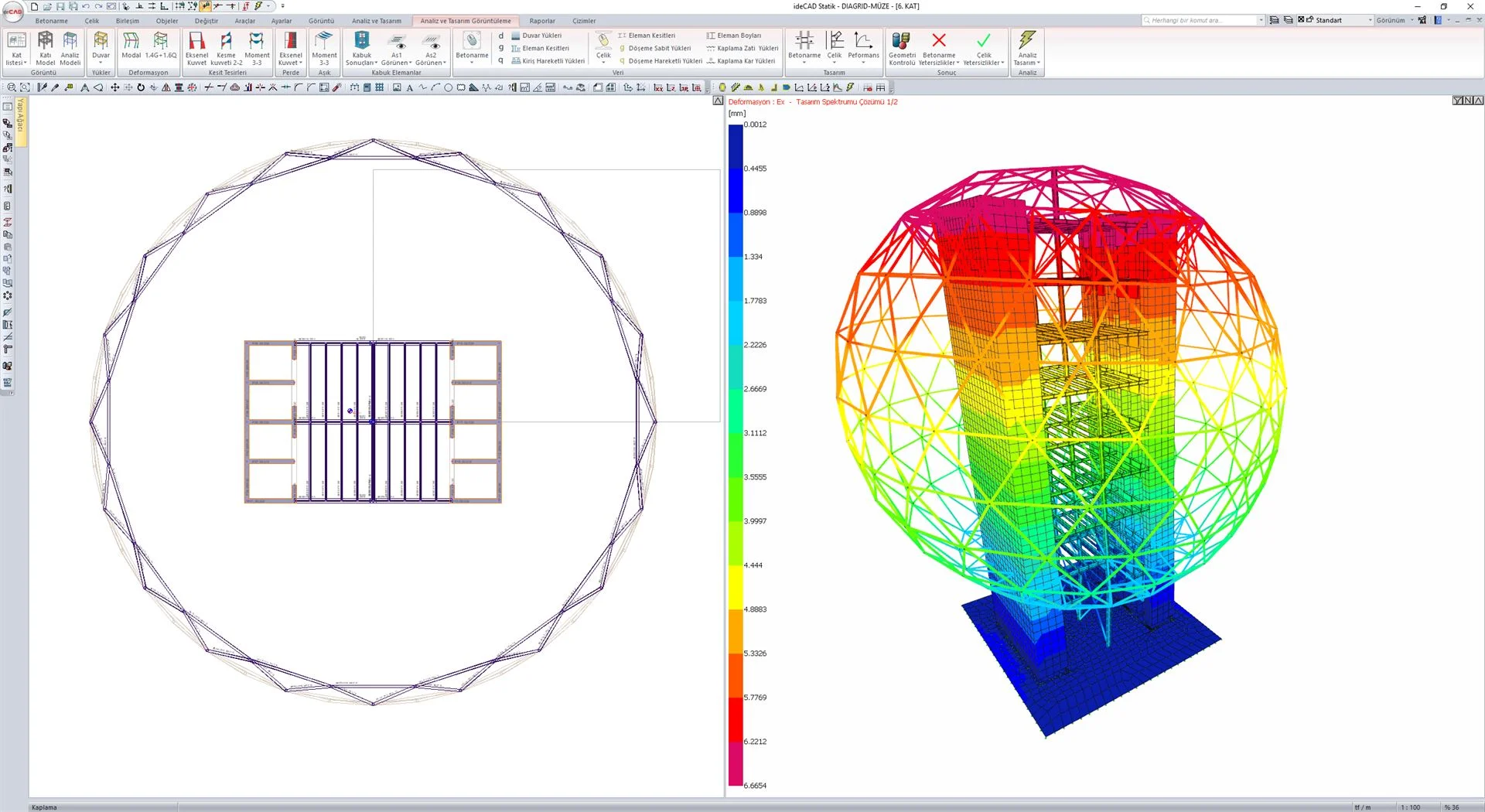
Structural Analytical Model
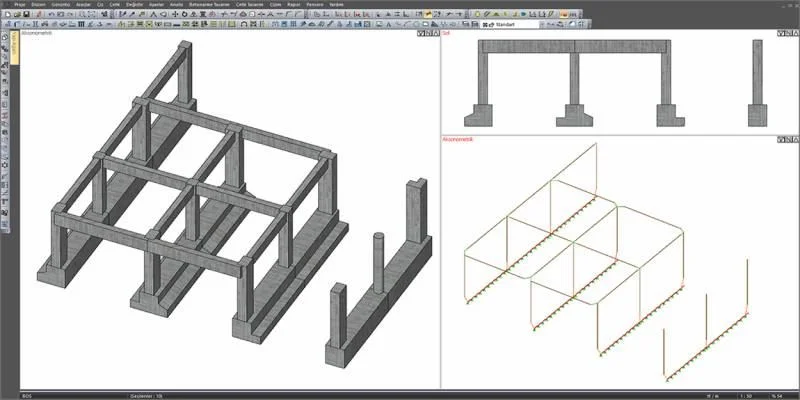
Structural Analytical Model automatically generated in the background, simultaneously with the Physical Model. As the Physical Model changes over time, the associated Structural Analytical Model is automatically updated
Structural Analysis
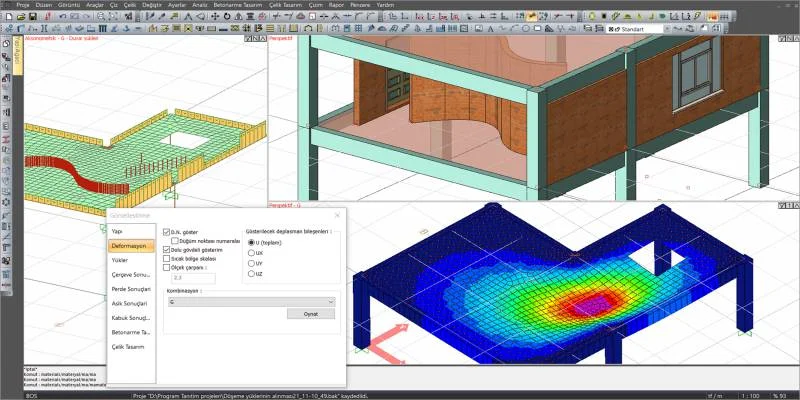
The Structural Analysis BIM features ideCAD provide structural engineers with a 3D FEA that meets all requirements in Structural Engineering.
Structural Design
Design of steel frames, concrete frames, concrete slabs, concrete shear walls, composite beams, and steel connections can be performed based on various US and international design codes.
Structural Design Codes
ideCAD Structural offers code-based design features for steel, connections, concrete, and cold-form steel.
Imperial & Metric Units
Performance-Based Design
Performance-Based Design is a major shift from traditional structural design concepts and represents the future of earthquake engineering. Performance-Based Design help assure that the design will reliably meet a desired level of performance during a given earthquake
Steel Connection Design
Steel connection design for welded and bolted structural steel connections and base plates. Shear and moment connections are designed and reported in accordance with AISC 360-16.
Steel Detailing
Automatically create your Plan, Section, Views, Isometric Drawing, Column Assembly, Beam Assembly, Construction Drawings, General Arrangement Drawing, Truss Drawing, Scaffold Drawing
Connection Detailing
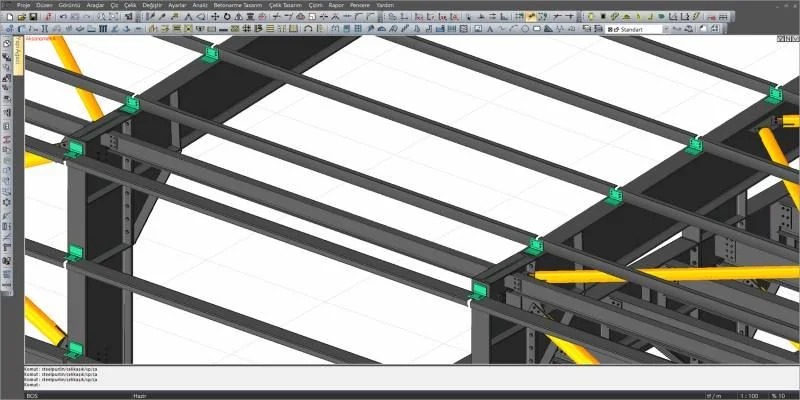
Model, analyze, design your steel buildings with connections, and create your steel connection details automatically.
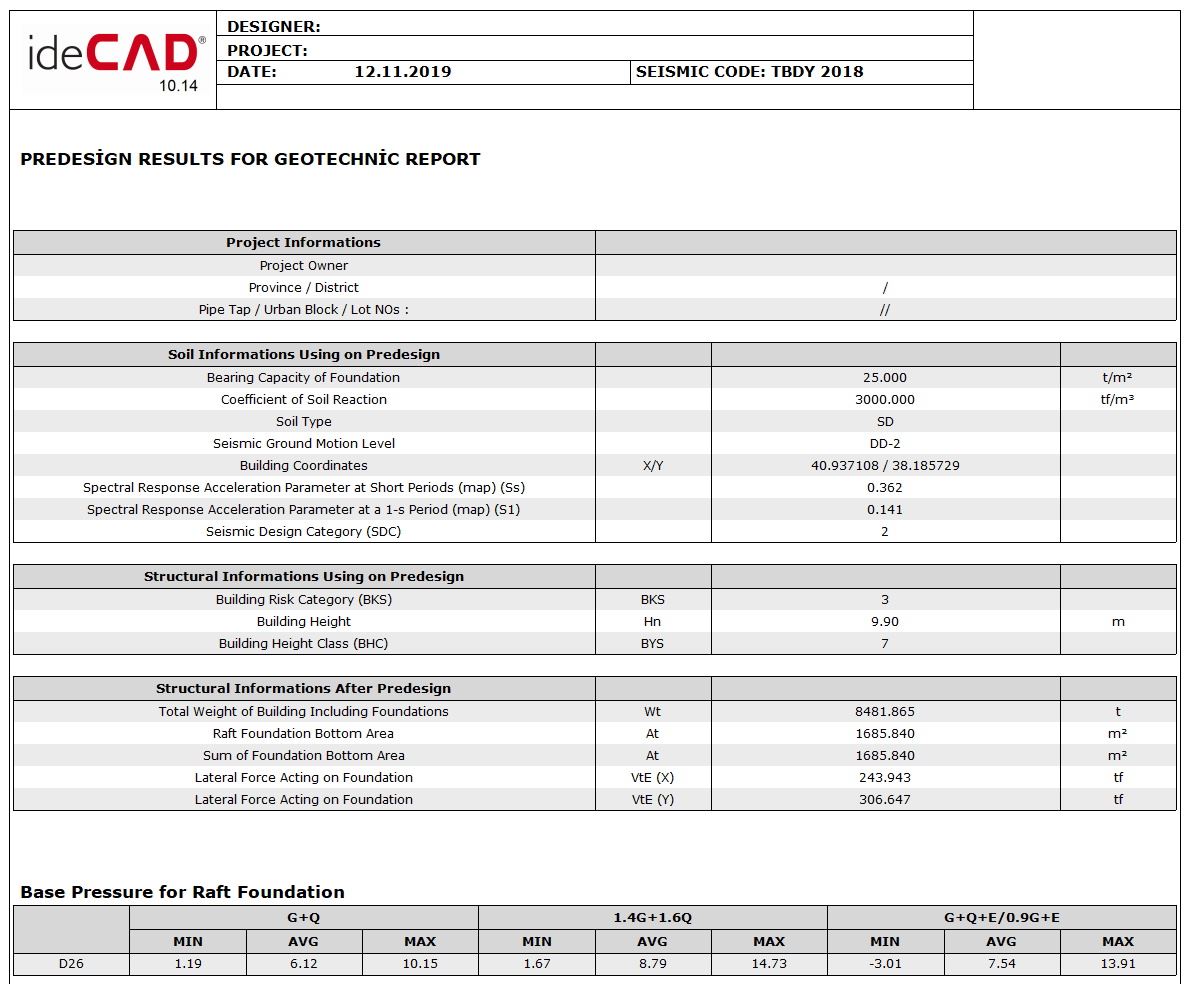
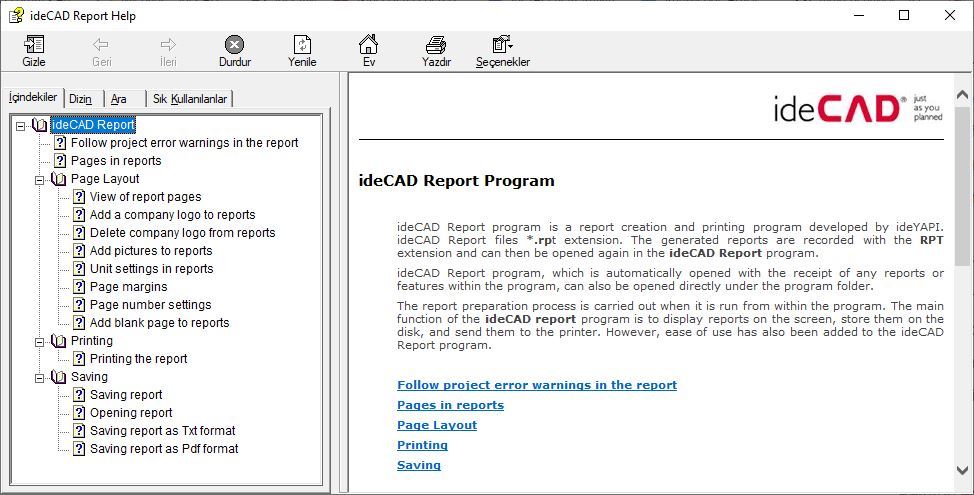
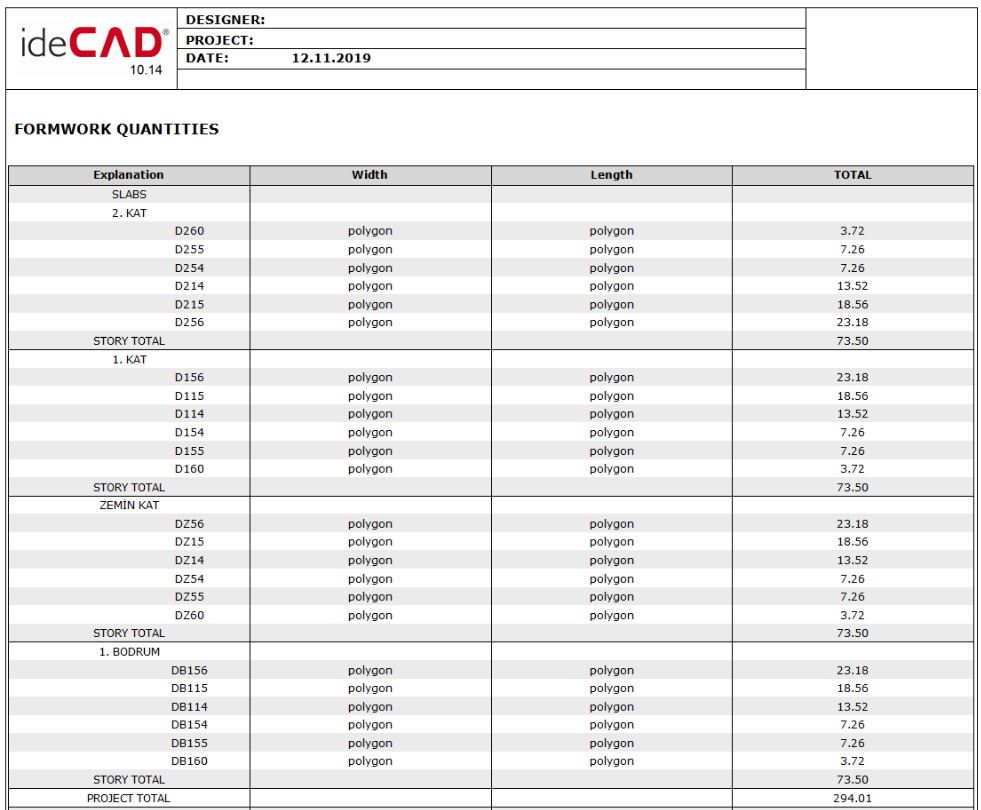
Printout Reports
The printout report displays input data and results of structural analysis and design in a selected content with a table of contents.
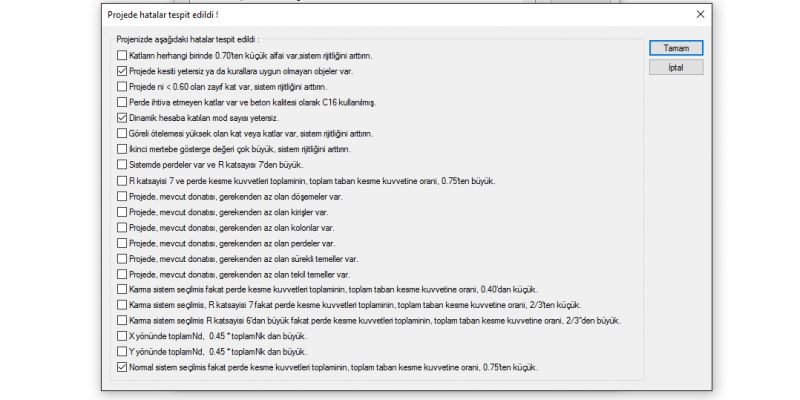
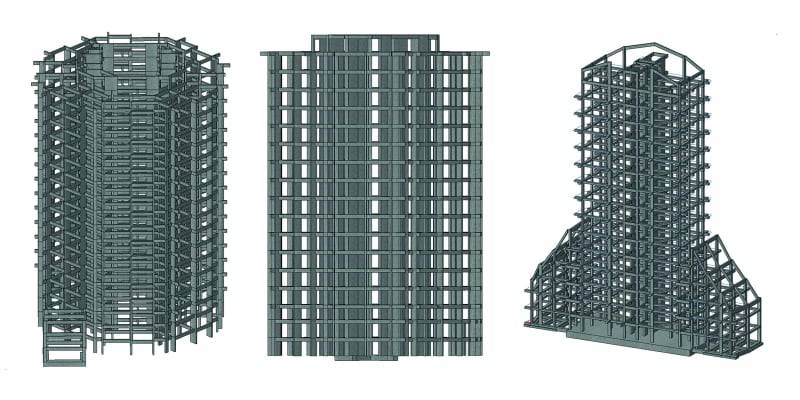
Structural Visualization
Visualization of Building Information Model, Structural analysis, and design results are simple tasks in ideCAD
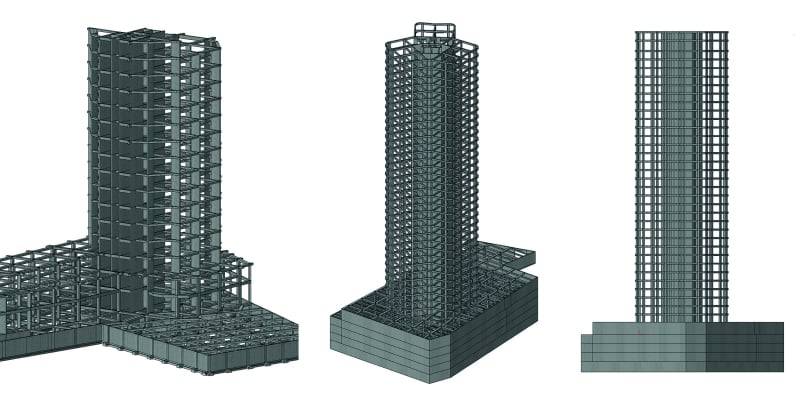
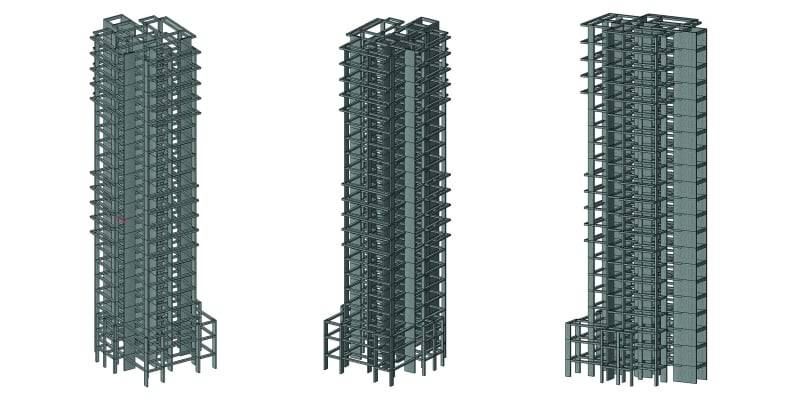
Project Gallery
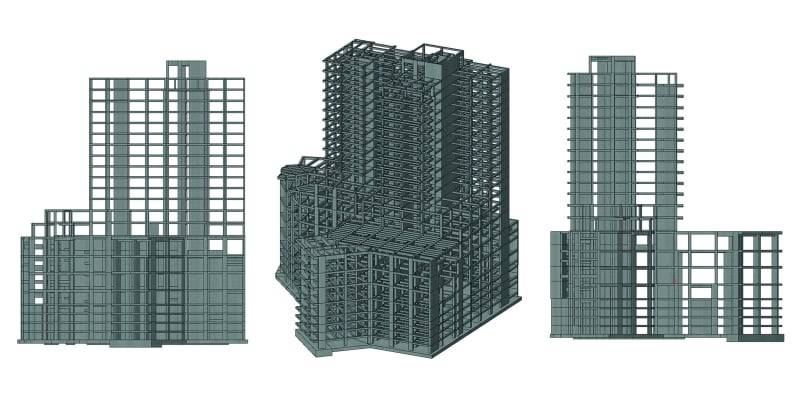
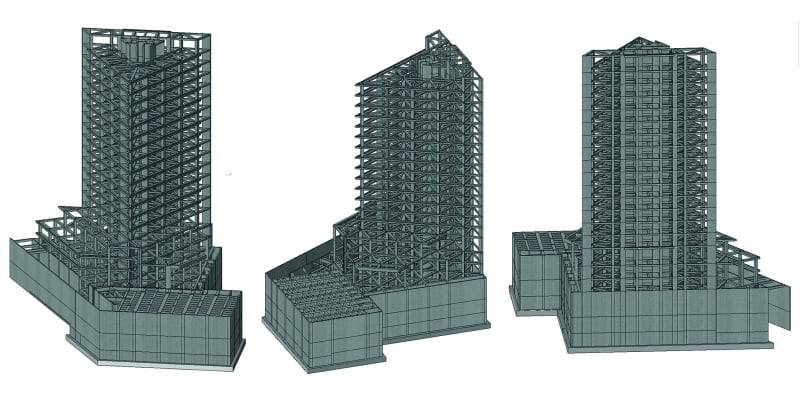
Explore thousands of projects from our users.
Structural Detailing with ideCAD
Structural Detailing with ideCAD Structural is a Revolutionary Integrated Structural Detailing Software solution for Concrete and Steel Buildings.
Explore ideCAD for Integrated Structural DetailingStructural Engineering with ideCAD
ideCAD Structural is Profesional Structural Engineering Software that Integrates Structural Engineering and Architecture with Building Information Modeling.
Explore ideCAD for Structural Engineering with Integrated ArchitectureArchitectural Design with ideCAD
Integrated Design with ideCAD
We mean it when we say, "Just as you planned"; One AEC Software,
One Integrated Building Information Modeling,
One Download,
One revolutionary reason to switch.
