



Your cart is empty
ARCHITECTURE & ENGINEERING, CONNECTED
Integrated Building Information Modeling (BIM) with ideCAD
ideCAD is integrated BIM software that connects architectural design and structural engineering in one shared native building information model. Modeling, structural analysis, concrete and steel design, detailing, fabrication, and documentation stay coordinated, so architects and engineers can work together from the same project data.
An Integrated BIM Process
BIM is an integrated process. BIM software provides multidisciplinary Building Information Modeling tools for Architecture, Engineering, and Construction (AEC).

Beyond 3D Modeling
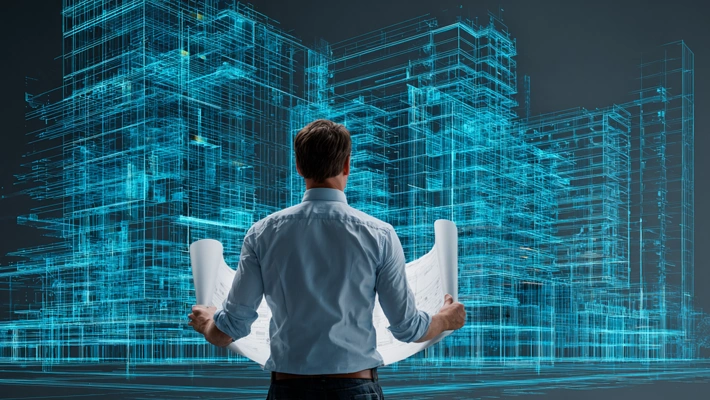
BIM stands for Building Information Modeling. Simply put, it is a process that brings a building’s information together in a single digital model and uses that model to coordinate every stage of a project. More than a three-dimensional representation, the model also contains information about the building’s physical and functional characteristics.
Connected Project Teams
At the heart of BIM is the ability for all project stakeholders—including architects, structural engineers, contractors, and others—to work from a shared model consistently and in coordination throughout the project. This helps minimize errors and delays while optimizing project costs and schedules.
Benefits of BIM
Fewer Errors and Delays
BIM models help identify potential issues, such as clashes and inconsistencies, early in the project. This helps prevent costly errors and delays during construction.
Better Communication and Coordination
BIM enables project stakeholders to work from a shared model, communicate more clearly, and coordinate their work. This supports a smoother project process and better outcomes.
Greater Design Freedom
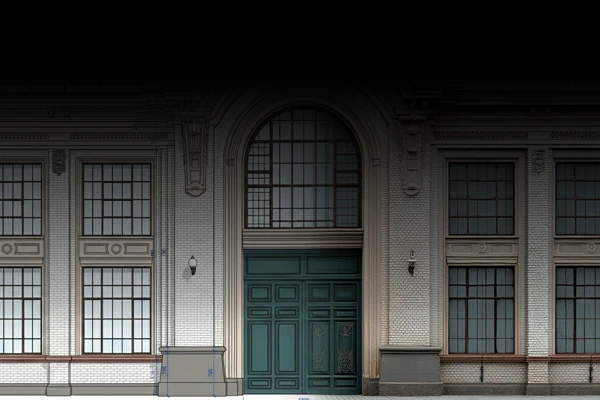
BIM models give designers greater freedom and flexibility. They can explore different design options more easily and select the most appropriate solution.
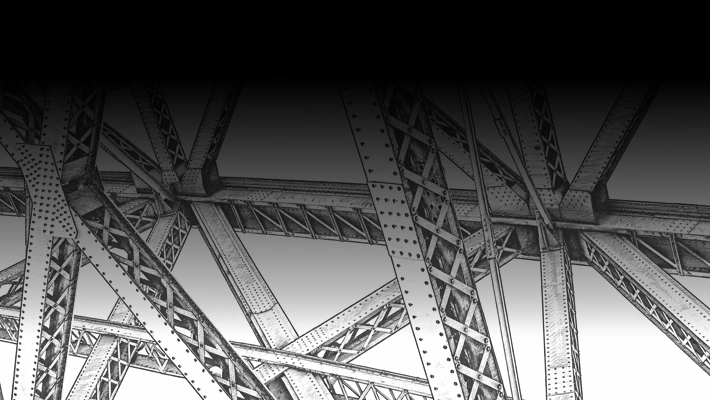
Better Cost and Schedule Control
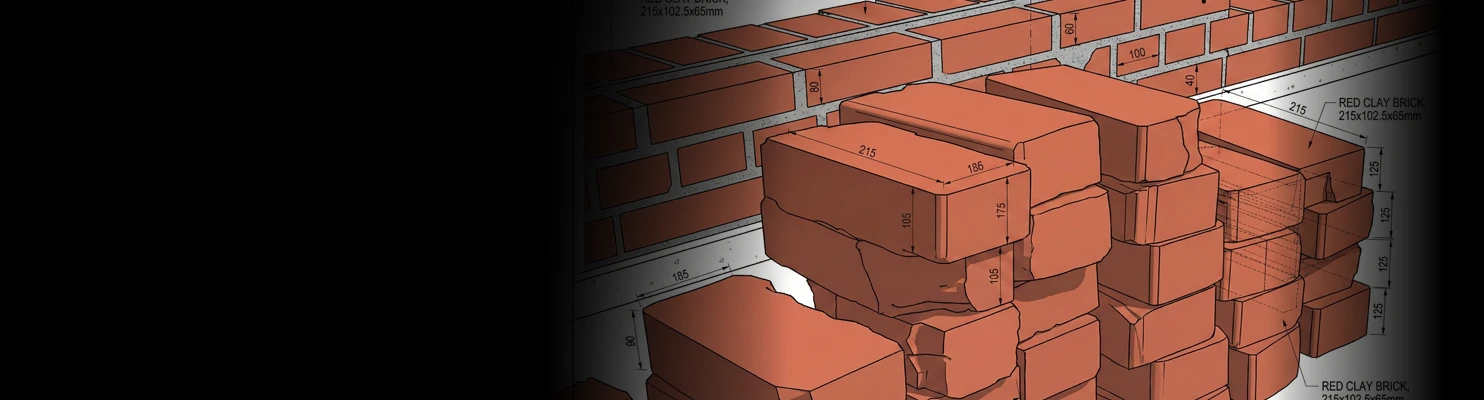
BIM helps teams plan and manage project costs and schedules more effectively. Information derived from the model supports more accurate estimates of material quantities and labor requirements.
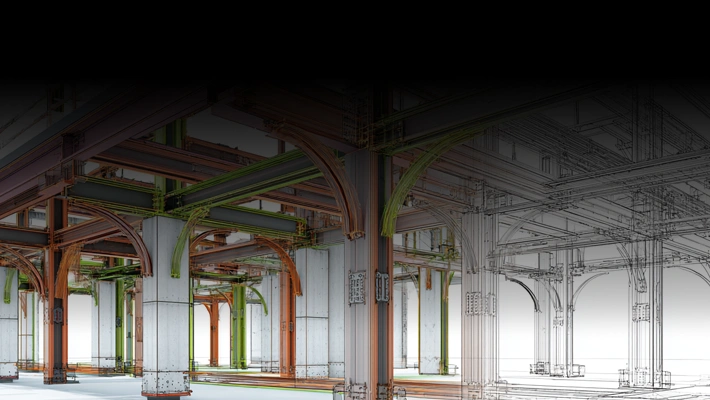
Improved Building Operations
Because BIM models retain information about the building, they can also support operation and maintenance. This contributes to more efficient facility management and a longer building service life.
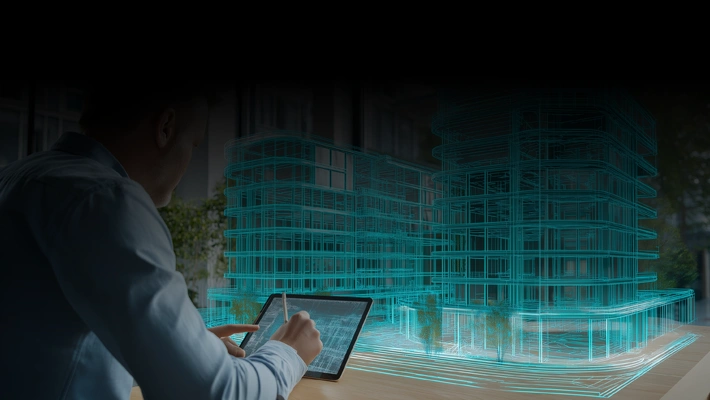
Applications of BIM
BIM supports connected workflows across building design, engineering, detailing, documentation, construction, and operation.
Common applications include:
Building Design
Architecture
Structural Engineering
Structural Analysis
Structural Design
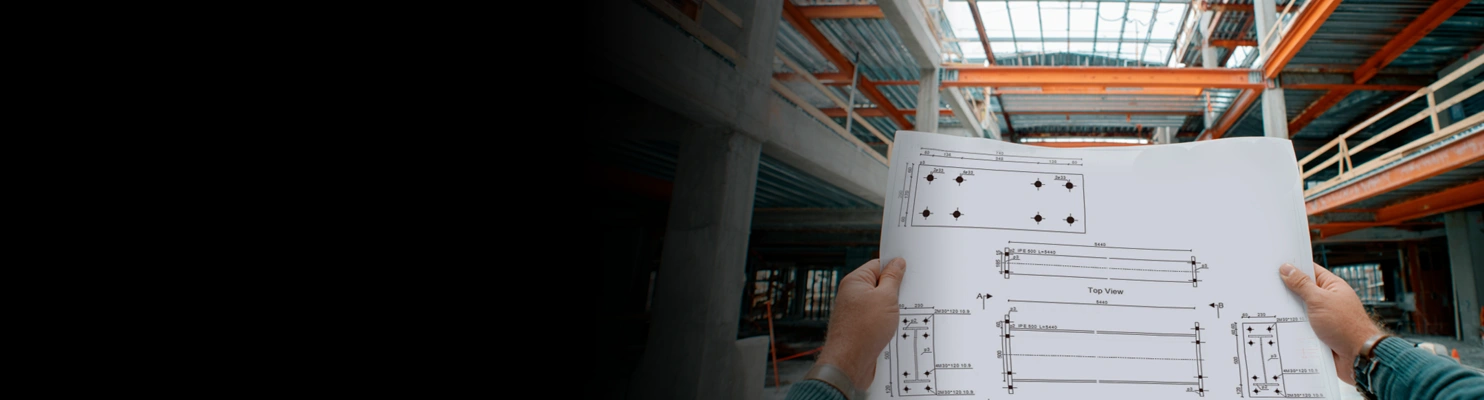
Structural Detailing
Integrated Building Information Modeling (BIM) with ideCAD
One Integrated BIM Environment
ideCAD brings Architecture, Engineering, and Construction (AEC) technologies together in an integrated BIM environment covering architectural design, structural engineering, structural analysis and design, reinforced concrete detailing, and steel detailing and fabrication.
A Shared Native Model
By eliminating the complexity of working across disconnected BIM applications, ideCAD’s Integrated BIM keeps ideCAD Architectural and ideCAD Structural fully connected through a shared native building information model.
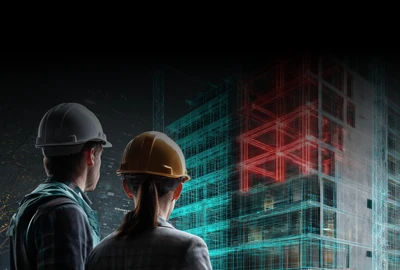
Architecture and Engineering Together
Architects and structural engineers can therefore work on the same building information model. Each discipline produces the drawings, calculations, and other project outputs relevant to its work, while architectural and structural data remain connected within the shared model.

Changes Stay Coordinated
Because the information is connected, a change made in one part of the model is automatically reflected in related views, drawings, and outputs. This keeps architectural and structural work consistent while minimizing rework, delays, and the risk of errors.

Frequently Asked Questions (FAQs)
What is BIM?
BIM, or Building Information Modeling, is a process for creating and managing coordinated digital information about a building throughout its lifecycle.
A BIM model combines three-dimensional geometry with information about the building’s physical and functional characteristics.
Can architects and structural engineers work with the same model in ideCAD?
Yes. ideCAD Architectural and ideCAD Structural work with the same native building information model.
Architects and structural engineers can use the shared project data for their discipline-specific modeling, calculations, drawings, detailing, and documentation.
What is Integrated BIM?
Integrated BIM connects architectural design, structural engineering, analysis, design, detailing, fabrication, and documentation through shared project data.
In ideCAD, these workflows remain connected through a shared native building information model.
How is Integrated BIM different from conventional BIM workflows?
Conventional BIM workflows often rely on exchanging information between separate discipline models and applications.
ideCAD’s Integrated BIM workflow keeps architectural and structural data connected within a shared native model. This reduces duplicate modeling, coordination gaps, inconsistencies, and rework.
What happens when the model changes?
Model changes are reflected in related views and drawings. When a change affects structural behavior, the relevant structural analysis and design checks are performed again using the updated model data.
This helps architectural and structural project information remain coordinated.
INTEGRATED BIM WITH ideCAD

Connect Architecture and Structural Engineering
Explore how ideCAD connects modeling, analysis, design, detailing, fabrication, and documentation through one shared native building information model.